
How To Make Branded Slide Decks With Claude
How to make on-brand slide decks with Claude: build from one source file in your brand colours and fonts, then export to Canva or PowerPoint to finish.

Short answer: give Claude your brand (colours, fonts, logo, tone) once, ask it to build the deck from your content as one source file, then export it into Canva or PowerPoint for the final touches. Updating the deck later means editing the source, not dragging boxes around 60 slides.
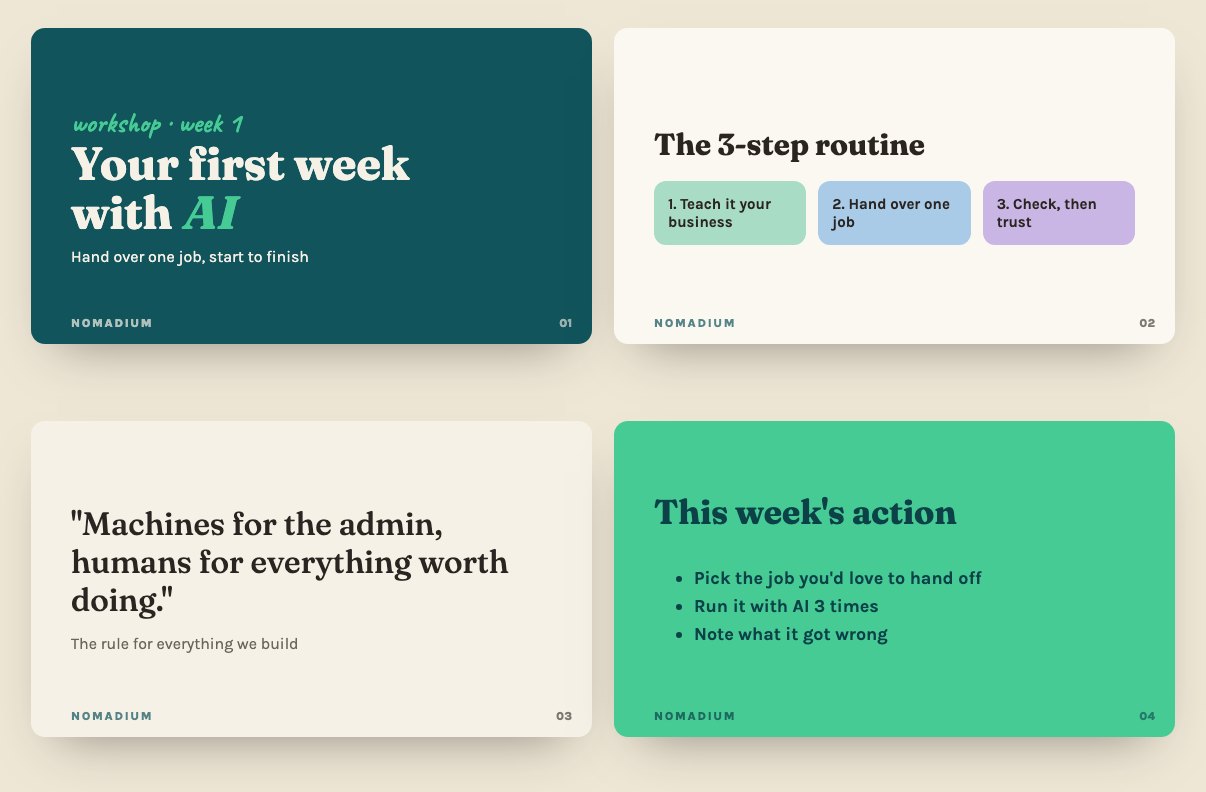
I build the decks for the 10-week AI programmes I teach this way. Whole curriculum, every week, one source.
Why build decks this way
- On-brand every time. Colours, fonts and layouts are set once, so slide 47 looks like slide 1.
- Fast updates. Change the source and rebuild. I’ve merged whole weeks of content and added new sections this way without redoing the design.
- Your content, not a template’s. Claude lays out what you give it, rather than filling a generic template with filler.
How to do it
1. Write your brand down once. Hex colours, font names, logo file, and 3 words for the feel (“warm, clear, confident”). Save it in a Claude Project so every deck starts from it.
2. Give it the content, not the design. An outline, your notes, or a transcript of you talking it through. You’re the expert, Claude’s the layout person.
3. Ask for the deck.
Using my brand kit in this project, turn this outline into a [10]-slide deck.
One idea per slide, short headlines, no walls of text, speaker notes separate.
Build it as one HTML file I can export.
4. Finish it in Canva or PowerPoint. Swap in real photos, check it on a big screen, and tweak anything that feels off.
Good uses for small businesses
- Proposals and pitch decks for new clients
- Workshop and training slides
- Monthly reports for clients, built from the same template every time
- Your services deck, updated in minutes when prices change
The honest limit
AI is brilliant at structure and consistency. It’s not your designer’s eye. Always check the final deck yourself, and watch for the tells that make AI writing obvious.
Want a deck system built for your business? That’s the kind of thing my 1:1 AI consultancy sets up. New to Claude? Here’s how to set it up for a small business.
Quick answers
Can Claude make PowerPoint presentations?
Claude can build a full slide deck from your content and brand as one file, which you can then export and finish in PowerPoint or Canva.
How do I keep AI slides on brand?
Write your brand down once (hex colours, font names, logo and 3 words for the feel) and save it in a Claude Project. Every deck then starts from the same brand kit.
Is Claude or Canva better for slide decks?
Use both. Claude is fast at structure, layout and consistency across lots of slides. Canva or PowerPoint is where you add real photos and final polish.